
Oracle Cloud (OCI) architecture best practices
Oracle Cloud Infrastructure (OCI) architecture differs from AWS, Azure, and GCP in one fundamental way: compartments replace accounts as the primary isolation unit. Understanding how compartments, VCNs, and security zones interact is the foundation for building production workloads on Oracle Cloud.
OCI's architecture approach: compartments as the core organizing principle
Oracle Cloud Infrastructure organizes resources through compartments, a hierarchical isolation mechanism that has no direct equivalent in AWS, Azure, or GCP. In AWS, you create separate accounts for isolation and use AWS Organizations to manage them. In Azure, you use subscriptions grouped under management groups. In GCP, you use projects under folders. OCI uses compartments within a single tenancy. A compartment is a logical container that holds OCI resources like compute instances, VCNs, databases, and object storage buckets. Every resource belongs to exactly one compartment. IAM policies are written at the compartment level, controlling which groups of users can perform which actions on resources within that compartment. The key architectural advantage is that compartments can nest up to six levels deep, and policies inherit downward but not upward. This creates a natural governance hierarchy without requiring separate billing entities. A parent compartment for 'Production' can contain child compartments for 'Networking,' 'Database,' 'Application,' and 'Security,' each with its own IAM policies and resource quotas. Unlike AWS accounts, compartments share a single tenancy-wide VCN address space and a single Identity domain. This makes cross-compartment networking trivial: resources in different compartments within the same VCN can communicate directly. Cross-account networking in AWS requires VPC peering, Transit Gateway, or PrivateLink. Cross-subscription networking in Azure requires VNet peering. OCI's model eliminates this friction for intra-tenancy communication while still providing strong IAM isolation. The compartment model also simplifies cost tracking. Every resource in a compartment automatically inherits the compartment's cost tracking tags. You don't need to build a separate tagging strategy for cost allocation. OCI's Cost Analysis tool can break down spending by compartment hierarchy, giving finance teams a view that mirrors the organizational structure without manual tag management.
Compartment hierarchy design for enterprise deployments
Oracle recommends a compartment hierarchy that separates platform services from workload services, similar in spirit to Azure Landing Zones but implemented through OCI's compartment model. The tenancy root compartment should contain only the top-level organizational compartments. Don't deploy workload resources directly into the root. Instead, create child compartments that reflect your organizational and security boundaries. A typical enterprise hierarchy starts with a Network compartment at the top level. This compartment holds all VCNs, subnets, DRGs, internet gateways, NAT gateways, and service gateways. Only the network administration team has manage-all permissions in this compartment. Application teams can use these network resources but can't modify routing tables or security lists. A Security compartment holds the Vault service for key management, Cloud Guard configurations, Security Zone recipes, and audit log storage in Object Storage. The security team manages this compartment exclusively. An Identity compartment isn't strictly necessary since Identity domains are tenancy-wide, but some organizations create one to hold federation configurations and group definitions for clarity. Below these platform compartments, create environment compartments: Production, Staging, and Development. Each environment compartment contains workload compartments for individual applications or teams. A workload compartment for a customer-facing application might hold Compute instances, an Autonomous Database, a load balancer, and an Object Storage bucket. The IAM policies at the workload compartment level grant the application team manage permissions on compute and database resources within their compartment, but read-only access to the network resources in the parent Network compartment. This pattern ensures that an application team can deploy and manage their own infrastructure without accidentally disrupting shared networking or security configurations. OCI also supports compartment quotas. You can limit the number of Compute instances, OCPU count, or storage volume in any compartment. This prevents a single team from consuming the entire tenancy's service limits during a scaling event or a runaway automation script.
OCI networking patterns: VCN, DRG hub-spoke, and Service Gateway
OCI networking starts with the Virtual Cloud Network, equivalent to a VPC in AWS or a VNet in Azure. Each VCN has a CIDR block, subnets (regional by default, not zonal), and route tables. OCI subnets span all availability domains in a region by default, which simplifies high availability compared to AWS where you must create subnets in each AZ manually. The hub-spoke network topology uses the Dynamic Routing Gateway as the central hub. The DRG connects multiple VCNs within the same region, provides connectivity to on-premises networks via IPSec VPN or FastConnect (OCI's dedicated interconnect), and routes traffic between spoke VCNs through DRG route tables. Unlike AWS Transit Gateway, which charges per attachment and per GB of data processed, the DRG is included in the OCI tenancy at no additional cost for VCN attachments. The DRG supports transit routing, so traffic between spoke VCNs passes through a firewall appliance in the hub VCN for inspection. You configure this by pointing spoke VCN route tables to the DRG, and DRG route tables to the firewall's private IP in the hub VCN. This is the standard pattern for enterprises that need east-west traffic inspection. The Service Gateway is unique to OCI. It provides private access to Oracle services like Object Storage, Autonomous Database, and the OCI API endpoints without traffic leaving Oracle's backbone network. Traffic through the Service Gateway never traverses the internet, and you don't need a NAT gateway or internet gateway for it. This is similar to AWS's VPC endpoints or Azure's Private Link, but the Service Gateway covers all supported Oracle services through a single gateway resource rather than requiring individual endpoints per service. OCI also offers a Local Peering Gateway for connecting VCNs within the same region without a DRG, and a Remote Peering Connection for cross-region VCN connectivity. However, Oracle recommends using the DRG for all peering scenarios in production because it provides centralized route management and supports transit routing, which individual peering connections don't.
Security on OCI: IAM policies, Security Zones, Cloud Guard, and Vault
OCI's IAM policy language is one of its strongest differentiators. Policies are written in a human-readable syntax: 'Allow group NetworkAdmins to manage virtual-network-family in compartment Network.' This is more intuitive than AWS IAM JSON documents or Azure's RBAC role definitions. Policies support conditions, so you can write statements like 'Allow group Developers to manage instances in compartment Development where request.permission = INSTANCE_CREATE and target.compartment.name = dev-app.' The policy language supports over 50 resource families and fine-grained verbs: inspect, read, use, and manage, in order of increasing privilege. Security Zones are an OCI-specific feature that prevents you from creating insecure configurations within a compartment. When you associate a Security Zone recipe with a compartment, OCI blocks resource creation or modification that violates the recipe's rules. For example, the Maximum Security recipe prevents creating compute instances with public IP addresses, blocks unencrypted boot volumes, requires Object Storage buckets to use customer-managed encryption keys, and prevents Database systems from being provisioned in public subnets. The enforcement happens at the API level, so it applies regardless of whether you're deploying through the console, CLI, Terraform, or SDK. Cloud Guard is OCI's posture management service. It continuously monitors your tenancy for security misconfigurations, threat activity, and compliance violations. Detector recipes define what Cloud Guard looks for: public Object Storage buckets, instances with legacy metadata service enabled, database systems without automatic backups, and IAM users with API keys older than 90 days. Responder recipes define automated remediation actions: disable a compromised user's API key, make a public bucket private, or terminate a suspicious instance. Cloud Guard integrates with OCI Events and Notifications to send alerts through email, Slack via webhooks, or PagerDuty. OCI Vault is a managed HSM-backed key management service. It stores encryption keys and secrets with FIPS 140-2 Level 3 certification for the Virtual Private Vault tier. Every OCI service that supports encryption can use Vault keys: Block Volumes, Object Storage, Database services, and Streaming. Vault also stores database credentials, API keys, and certificates as secrets, with automatic rotation policies.
OCI-specific advantages: Oracle Database integration, Exadata, and pricing
The strongest reason to choose OCI over other clouds is Oracle Database workloads. OCI is the only cloud where Oracle Database runs on the same Exadata hardware used in on-premises deployments. Autonomous Database on OCI provides self-tuning, self-patching, and self-scaling Oracle Database instances that require zero DBA intervention for routine operations. Autonomous Database comes in two workload types: Autonomous Transaction Processing for OLTP and Autonomous Data Warehouse for analytical queries. Both run on Exadata infrastructure with flash storage, RDMA networking between storage and compute cells, and Oracle's proprietary database optimizations. The performance difference between Oracle Database on OCI Exadata versus Oracle Database on AWS RDS or Azure SQL is significant and measurable. Oracle publishes benchmark data showing Exadata Cloud Service delivering over 1 million IOPS per VM cluster and single-digit microsecond storage latency. AWS RDS for Oracle uses EBS storage with higher latency characteristics, and Azure doesn't offer managed Oracle Database at all since the Azure-Oracle interconnect partnership. OCI's pricing model is the other major differentiator. OCI charges significantly less for outbound data transfer than AWS, Azure, or GCP. As of 2024, OCI's first 10 TB per month of outbound data is free, compared to AWS's first 100 GB. For data-heavy workloads like content delivery, media streaming, or large-scale data exports, this pricing difference can reduce monthly costs by thousands of dollars. OCI compute pricing uses the OCPU model, where one OCPU equals one physical core with hyper-threading, effectively two vCPUs. This means an OCI VM.Standard.E4.Flex with 4 OCPUs is roughly equivalent to an AWS instance with 8 vCPUs. When comparing prices per equivalent compute capacity, OCI frequently undercuts AWS and Azure by 30 to 50 percent for general-purpose workloads. OCI also offers universal credits, a flexible commitment model where you commit to a monthly spend amount rather than specific services. Universal credits can be applied to any OCI service, so you don't need to predict your exact resource mix a year in advance.
Diagramming OCI architectures with proper compartment boundaries
OCI architecture diagrams require a different visual structure than AWS or Azure diagrams because compartments, not network boundaries, are the primary organizing element. A well-drawn OCI diagram starts with the tenancy at the outermost layer, then shows compartments as nested containers with clear labels indicating which IAM policies apply at each level. Inside the Network compartment, draw the hub VCN with its subnets, DRG, and gateways. Show spoke VCNs in their respective workload compartments with DRG attachments routing traffic through the hub. Mark the Service Gateway with an arrow pointing to 'Oracle Services Network' to show that Object Storage and Autonomous Database access bypasses the internet. In workload compartments, draw compute instances, load balancers, and databases within their VCN subnets. Show Security Zones as a shaded overlay on compartments that have them enabled, with a legend indicating which recipe is applied. This makes it immediately visible which compartments enforce maximum security rules versus those that allow more flexible configurations. Label each connection with the protocol and whether it passes through the DRG or uses direct subnet communication. OCI's regional subnets simplify the diagram compared to AWS, where you'd draw three copies of each subnet for three AZs. On OCI, a single subnet box represents capacity across all availability domains in the region. Diagrams.so generates OCI architecture diagrams from text descriptions using Oracle's official icon set. Describe your compartment hierarchy, VCN topology, and database configuration. Select OCI as the cloud provider, and the AI renders the diagram with proper compartment nesting, DRG connections, and service-specific icons. The output is native .drawio XML compatible with Draw.io and any mxGraph editor. Architecture warnings flag issues like missing Security Zone enforcement or compute instances with public IPs in production compartments.
Real-world examples
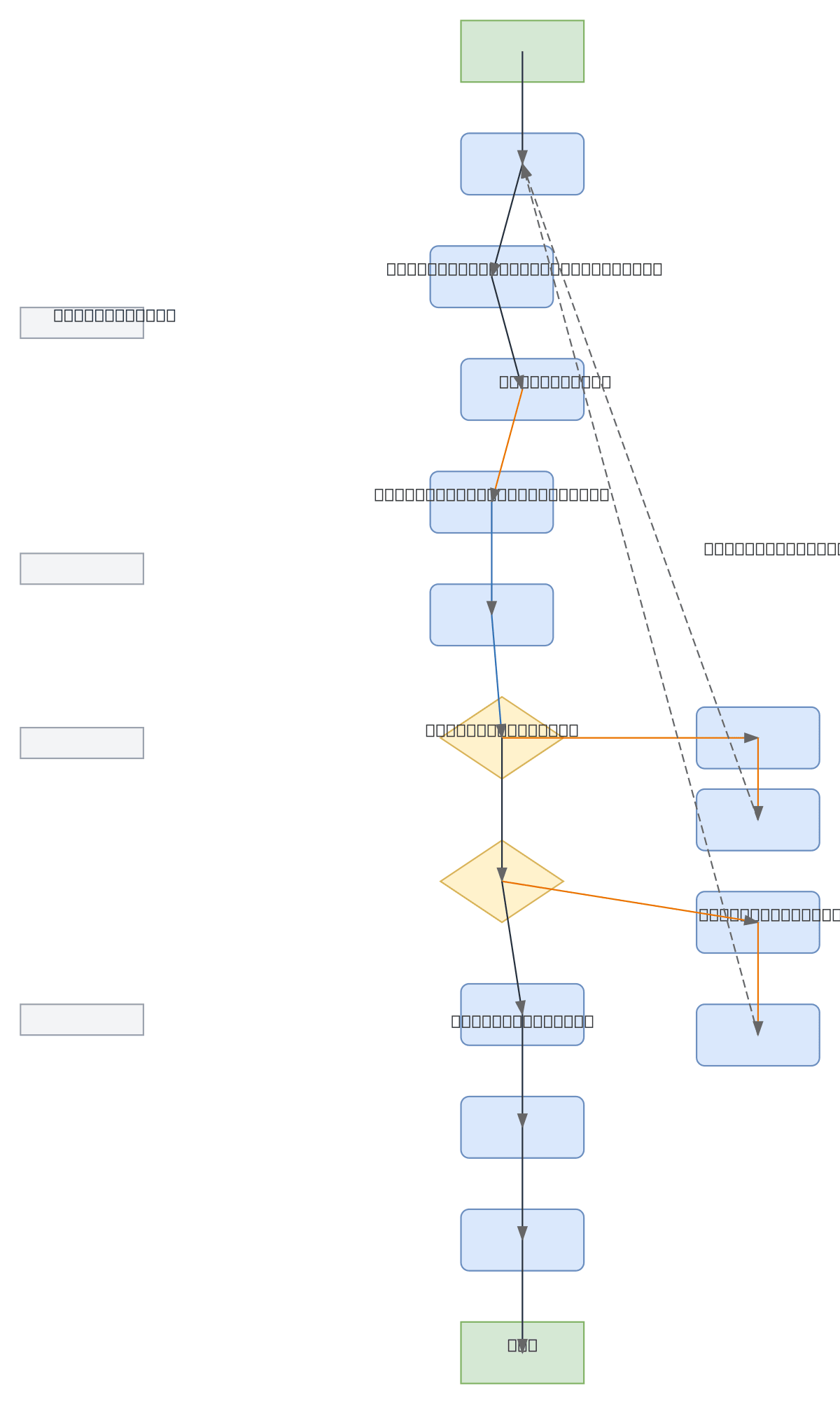
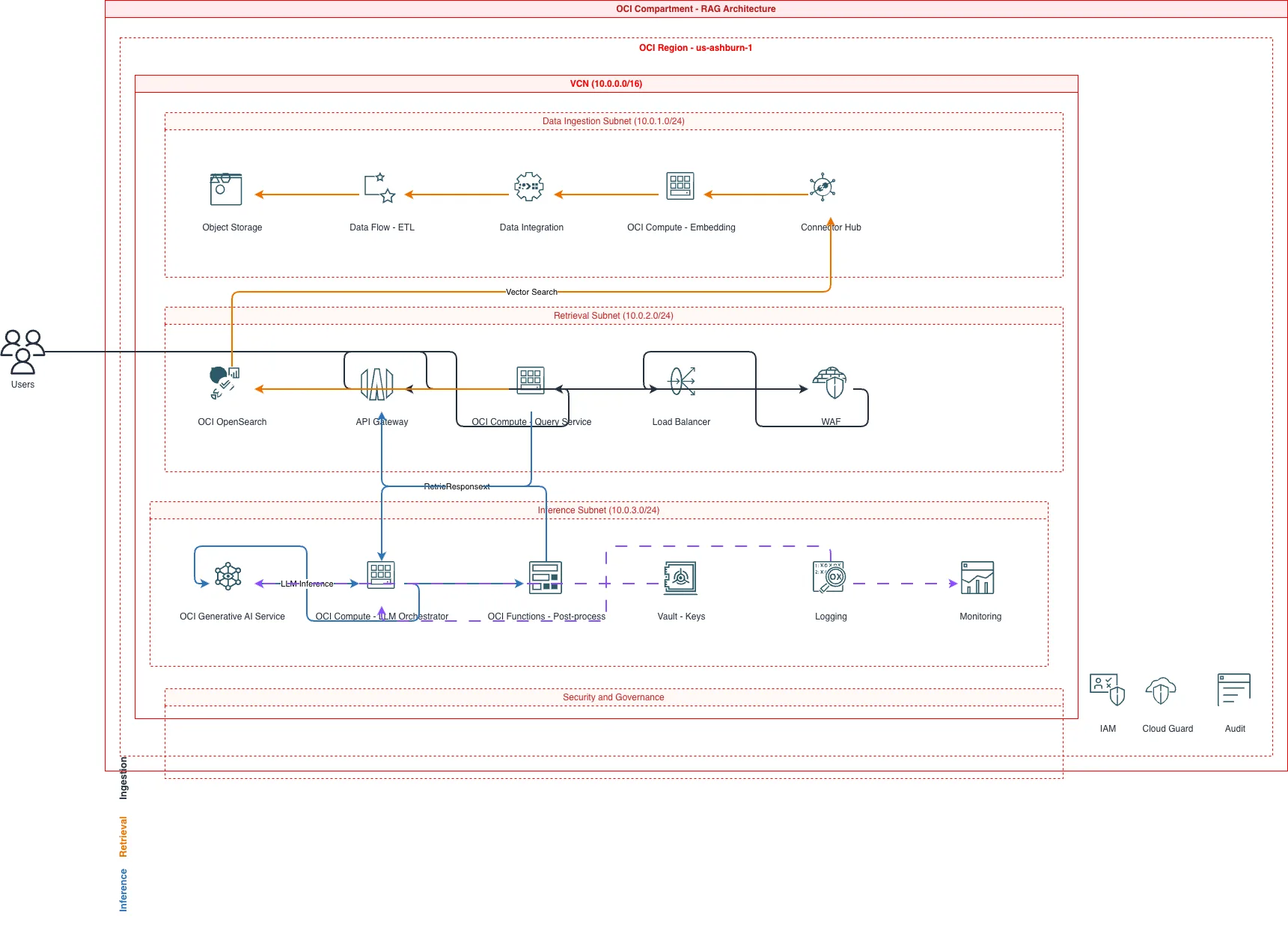
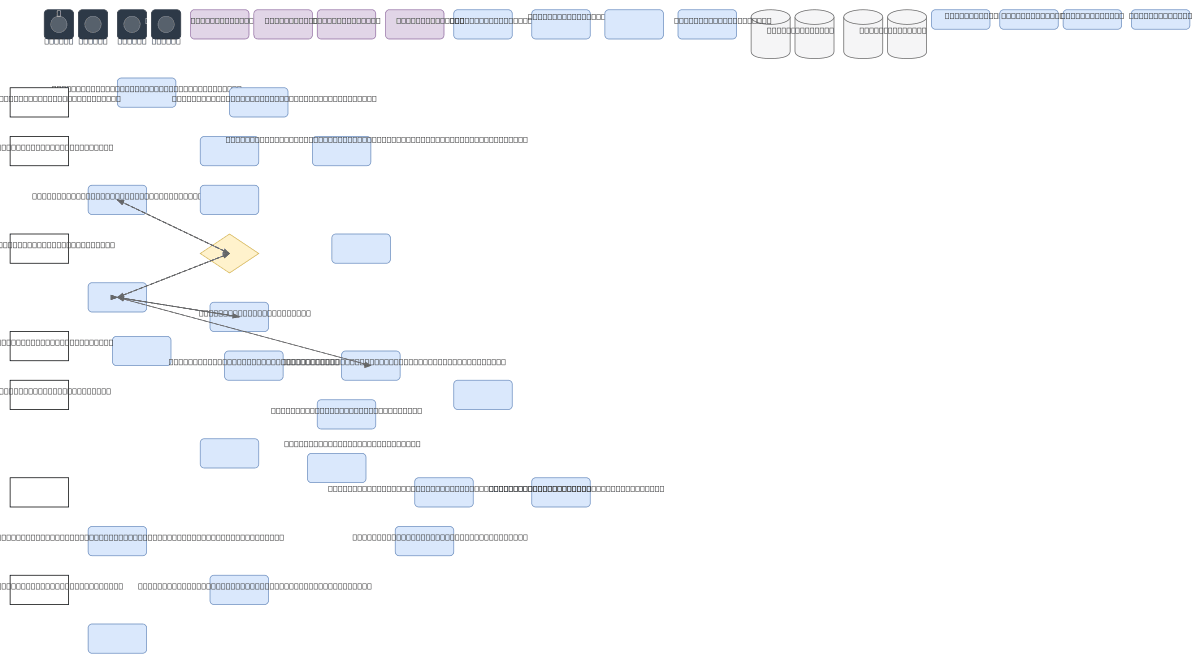
Generate these diagrams with AI
Generate OCI Architecture Diagrams from Text with AI
Describe your Oracle Cloud infrastructure in plain English. Get a valid Draw.io diagram with compartment hierarchies, VCN boundaries, and availability domain placement.
Generate OCI Networking Diagrams from Text with AI
Describe your Oracle Cloud network topology in plain English. Get a valid Draw.io diagram with VCN subnets, gateways, Security Lists, and DRG hub-spoke routing.
Generate Oracle Database Architecture Diagrams from Text with AI
Describe your Oracle Database topology in plain English. Get a valid Draw.io diagram with RAC nodes, Data Guard standby, PDB/CDB containers, and replication flows.
Related guides
Frequently asked questions
What is the core difference between OCI and AWS architecture?
In AWS you isolate workloads with separate accounts managed through AWS Organizations. In OCI you isolate them with compartments inside a single tenancy. Compartments — not accounts — are OCI's primary isolation and access-control boundary, which changes how you structure environments, IAM policies, and networking.
How do compartments work in Oracle Cloud Infrastructure?
Compartments are logical containers that hold and isolate resources within one tenancy. They form a hierarchy under the root compartment, and IAM policies grant access at the compartment level. Teams typically create compartments per environment, team, or application to enforce separation and least-privilege access.
What is a VCN in Oracle Cloud?
A Virtual Cloud Network (VCN) is OCI's software-defined private network, equivalent to an AWS VPC or Azure VNet. It spans a region, is divided into subnets, and controls connectivity through route tables, security lists, network security groups, and gateways (internet, NAT, service, and dynamic routing gateways).
How do I create an OCI architecture diagram from text?
Describe your OCI design in plain English — compartments, VCNs, subnets, security zones, and gateways — and Diagrams.so generates an editable .drawio diagram with the correct structure and official Oracle Cloud icons in seconds.
What are OCI security zones?
Security zones are OCI compartments with a security-zone policy attached. Resources created in them must comply with Oracle-defined policies — such as blocking public access or requiring encryption — so misconfigured resources are rejected at creation. They enforce a secure-by-default posture for sensitive workloads.