
Ways to generate diagrams from code, compared
Six approaches, and one question usually decides it: who writes the input, and who has to read the output.
The ways to generate a diagram from code split into two families. Diagram-as-code tools, meaning Mermaid, D2, Graphviz, PlantUML and the Python diagrams library, take a DSL you write and render it, and they are all free and self-hosted. A diagram API takes prose or an infrastructure file instead and returns an editable file. If an engineer writes the diagram and engineers read it, diagram-as-code wins. If the input is prose or infrastructure, or a non-engineer has to edit the result, that changes.
When each one is right
Mermaid: a sequence diagram or a flowchart inside a markdown file that GitHub renders. Nothing beats it for that. Layout gets away from you past about twenty nodes. D2: you care how it looks and you are willing to spend time on layout directives. The best-looking output of the text-based options. Graphviz: a generated graph with hundreds of nodes. Dependency trees, call graphs, state machines. Nothing else handles that volume. PlantUML: classic UML, and you are in a Java shop that already has it. Python diagrams: cloud architecture, in Python, with real provider icons, and you are happy placing nodes yourself. Output is a PNG, so it is a picture rather than a document. A diagram API: the input is prose or a Terraform file rather than a DSL you already know, the output has to be editable by whoever reads it, or the whole thing runs from an agent or a pipeline where nobody is writing the DSL at all.
One row decides most cases: editable by a non-coder
Diagram-as-code produces an artefact only the person who wrote the DSL can change. That is fine when the diagram lives beside the code and the only readers are engineers. It stops being fine the moment the diagram goes into a design doc that an architect, a security reviewer or a customer has to mark up. At that point the DSL is a barrier, and the usual outcome is that somebody redraws the whole thing by hand in another tool.
The honest cost comparison
Everything in the first five columns is free and self-hosted. A diagram API costs money per generate. That difference is real, and it should decide the call whenever the free option covers the job. What you get for the money is narrow: automatic layout you did not tune, cloud icons you did not curate, output a non-engineer can edit, and a design review pass. If none of those four matter for your case, use Mermaid.
Where the agent case changes things
An agent cannot easily be taught good D2 layout. It can be given a tool that returns a laid-out diagram, and then a second tool that edits the result without redrawing it. That is the practical difference between wiring a language model to a renderer and wiring it to an API built for the loop. Both work for the first diagram. The second one holds up on the fifth revision.
The table
Six approaches on the nine things that tend to decide the choice.
| What to check | Mermaid | D2 | Graphviz | PlantUML | Python diagrams | Diagram API |
|---|---|---|---|---|---|---|
| Input | Its own DSL | Its own DSL | DOT | Its own DSL | Python | Prose, or a file |
| Speed to write | Fastest | Fast | Slow | Medium | Medium | No DSL to write |
| Layout quality | Weakest | Best control | Best for big graphs | Medium | Fixed | Automatic, re-runnable |
| Cloud icon sets | No | Some | No | Some | Yes, AWS/GCP/Azure | Yes, 30+ packs |
| Renders in GitHub | Yes | No | No | No | No | No |
| Output | SVG, PNG | SVG, PNG | SVG, PNG | SVG, PNG | PNG | .drawio, SVG |
| Editable by a non-coder | No | No | No | No | No | Yes, in draw.io |
| Design review | No | No | No | No | No | Warnings, with a fix call |
| Cost | Free | Free | Free | Free | Free | Credits per generate |
Real-world examples


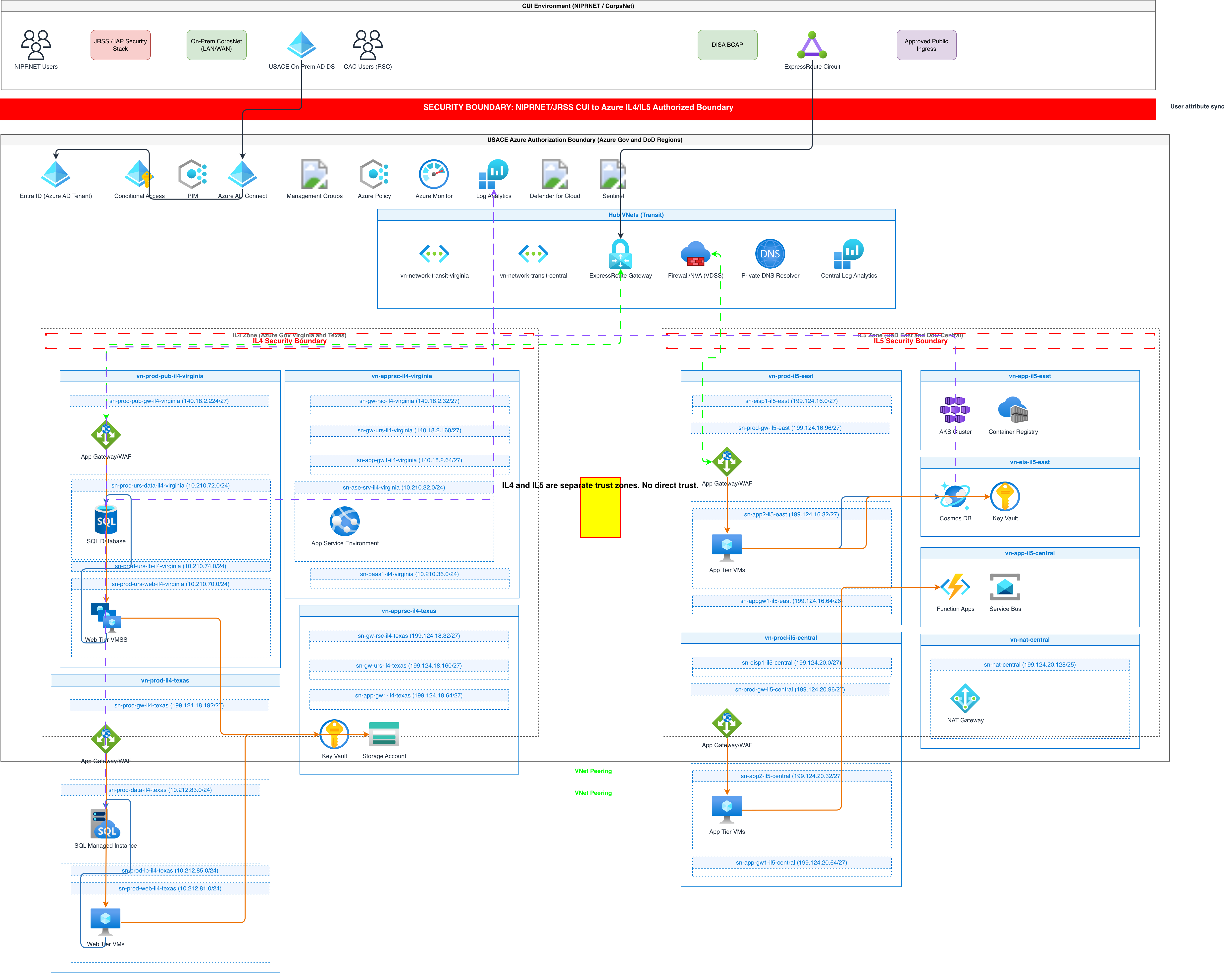
Generate these diagrams with AI
Turn Plain Text into Draw.io Diagrams
Write what you want in English. Skip Mermaid syntax, PlantUML code, and manual drawing. Get a grid-aligned, icon-accurate .drawio file in seconds.
Build Architecture Diagrams from Text Descriptions
Describe your cloud infrastructure or system design. Get a Draw.io architecture diagram with official vendor icons, VPC boundaries, and architecture warnings.
Generate AWS architecture diagrams from text
Describe your AWS infrastructure in plain English. Get a valid Draw.io diagram with official AWS icons, VPC boundaries, and Multi-AZ placement.
Related guides
Frequently asked questions
Can I use both?
Commonly, yes. Mermaid for sequence diagrams in the README, generated .drawio for the architecture doc that goes to review.
Can I import an existing draw.io file?
Yes, through POST /api/v2/diagrams/import, and then edit it through the API from there. The import itself is free.
Is Mermaid output importable?
Not directly today. Send the Mermaid source as the prompt and ask for the same system as an architecture diagram.
Which of these do AI coding agents already know?
All of the text DSLs, roughly. They write plausible Mermaid and mediocre layout. Knowing the syntax and producing a readable diagram are different problems.
Does the API export PNG or PDF?
No. The API exports drawio and svg only, even though the web app offers more formats.
Comparing options for a team? The credits page shows what each call costs before you write any code.