
Turning Terraform into an architecture diagram
Your repository already describes the whole system. What it does not have is a picture.
To generate an architecture diagram from Terraform, send the HCL as the prompt to a diagram API and say how you want it grouped. terraform graph already exists and produces a dependency graph, but it is close to unreadable past about thirty resources because it shows the graph Terraform cares about rather than the one an engineer would draw. Sending the files with an instruction like "group by VPC and subnet tier, show the traffic path" produces the second one, as an editable .drawio file you can commit next to the code.
Three ways to do it
- 1
By hand, once
Concatenate the files that describe the system and post them as the prompt, with an instruction about grouping.
cat main.tf networking.tf rds.tf > /tmp/infra.tf curl -X POST https://api.diagrams.so/api/v2/diagrams \ -H "Authorization: Bearer $DIAGRAMS_API_KEY" \ -H "Idempotency-Key: $(uuidgen)" \ -H "Content-Type: application/json" \ -d "$(jq -n --rawfile tf /tmp/infra.tf '{ prompt: ("Draw the AWS architecture described by this Terraform. Group by VPC and subnet tier. Show the traffic path.\n\n" + $tf), cloud_provider: "aws" }')" - 2
Through an agent
If the MCP server is set up, skip the curl. The agent already has the files, so it calls the tool and hands back the .drawio.
Read main.tf, networking.tf and rds.tf, then generate an AWS architecture diagram grouped by VPC and subnet tier. Show the traffic path from the internet to the database. - 3
In CI, so it stays true
The value is not the first diagram. It is the diagram three months later, after four people have changed the infrastructure and nobody updated the picture. Use the commit SHA as the idempotency key so a re-run costs nothing, and gate the job on paths so it only fires when infrastructure changes.
name: architecture-diagram
on:
  push:
    branches: [main]
    paths: ['infra/**.tf']

jobs:
  draw:
    runs-on: ubuntu-latest
    steps:
      - uses: actions/checkout@v4
      - name: Generate
        env:
          DIAGRAMS_API_KEY: ${{ secrets.DIAGRAMS_API_KEY }}
        run: |
          pip install diagrams-so
          python - <<'PY'
          import os, pathlib
          from diagrams_so import DiagramsClient

          tf = "\n".join(p.read_text() for p in pathlib.Path("infra").glob("*.tf"))
          client = DiagramsClient(api_key=os.environ["DIAGRAMS_API_KEY"])
          d = client.generate(
              "Draw the AWS architecture in this Terraform. Group by VPC and subnet tier.\n\n" + tf,
              cloud_provider="aws",
              idempotency_key=os.environ["GITHUB_SHA"],
          )
          pathlib.Path("docs/architecture.drawio").write_text(
              client.export(d["id"], "drawio")
          )
          PY
      - name: Commit if it changed
        run: |
          git config user.name  "architecture-bot"
          git config user.email "bot@users.noreply.github.com"
          git add docs/architecture.drawio
          git diff --staged --quiet || git commit -m "chore: refresh architecture diagram"
          git push
Two things that make the output better
Say how you want it grouped. "Group by VPC and subnet tier" is the difference between a readable diagram and a resource list. Send the networking files. Subnets and security groups are what make a diagram look like the system rather than a pile of boxes, so include networking.tf even when the interesting resources live elsewhere.
Reviewing the result
Warnings come back as a list: a database in one availability zone, a resource open to the world, a missing backup path. Each has an id, and the fix call takes one and repairs just that, leaving the rest of the diagram alone. This catches things Terraform will happily apply. A single-AZ RDS instance is valid HCL and a bad idea, and it shows up as a warning rather than as a plan failure.
curl -H "Authorization: Bearer $DIAGRAMS_API_KEY" \
  https://api.diagrams.so/api/v2/diagrams/$ID/warnings
Compose files and Kubernetes
Same method, different prompt. For a compose file: "Draw the service topology in this docker-compose file. Show which services talk to which, and mark anything with a published port." For Kubernetes: "Draw this namespace: Deployments, Services, Ingress and the PersistentVolumeClaims. Group by app label." Send the manifests together rather than one at a time. A Service without its Deployment is not enough to draw the connection.
What it costs
One generate per run. Reads, exports and warnings are free, so the CI job costs one operation per infrastructure change rather than one per push. And if the account is on the Free plan, remember its diagrams are public in the community gallery: infrastructure topology belongs on a paid plan with private diagrams. With the idempotency key set, a retried job costs nothing. Re-layout is the one to watch: it has no free allowance and is billed by the tokens it uses, and the endpoint will not start without ?confirm=true. A pipeline should generate or edit, not re-layout.
What it does not do
It reads the files you send it. It does not read your cloud account, so it draws what the code says rather than what is actually deployed. If those have drifted, the diagram matches the code. Very large Terraform states produce crowded diagrams. Send one module at a time and generate a diagram per module, the same way you would draw it by hand.
Real-world examples

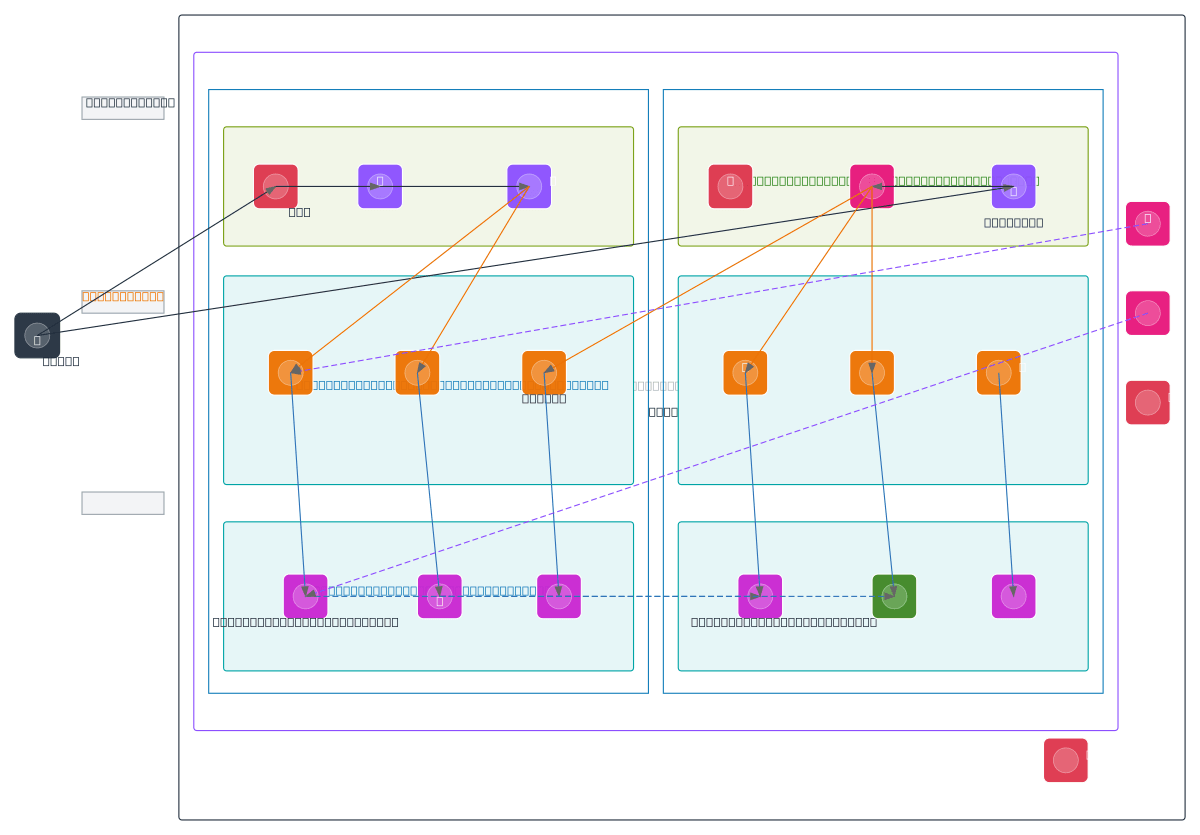
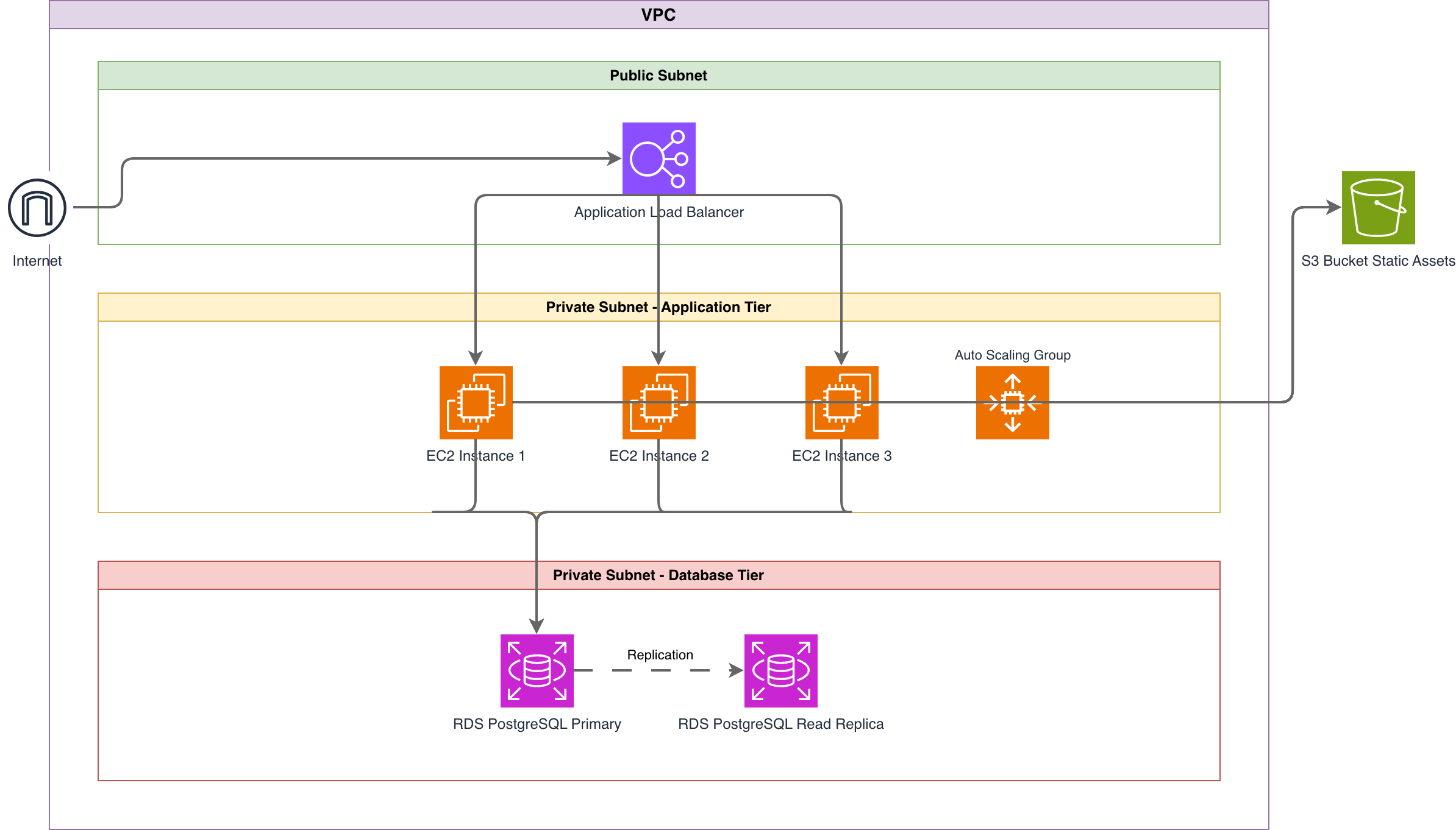
Generate these diagrams with AI
Generate AWS architecture diagrams from text
Describe your AWS infrastructure in plain English. Get a valid Draw.io diagram with official AWS icons, VPC boundaries, and Multi-AZ placement.
Generate AWS Networking Diagrams from Text with AI
Describe your VPC topology, Transit Gateway attachments, Direct Connect circuits, and Route 53 DNS resolution in plain English. Get a valid Draw.io diagram with official AWS icons.
Build Architecture Diagrams from Text Descriptions
Describe your cloud infrastructure or system design. Get a Draw.io architecture diagram with official vendor icons, VPC boundaries, and architecture warnings.
Related guides
Frequently asked questions
Does it need terraform plan output?
No. It reads the HCL. Plan output works too and is sometimes better for counting instances, since the plan resolves counts and for_each loops that the HCL only describes.
Can it update an existing diagram instead of drawing a new one?
Yes. POST /api/v2/diagrams/{id}/edit changes one in place and keeps the version history, which is usually what you want in CI.
Is the output editable?
It is a native .drawio file. Commit it, open it in draw.io or the VS Code extension, edit it by hand if you want. The API exports drawio and svg.
What about a timeout on a big file?
Use /api/v2/diagrams/stream. A gateway timeout on the normal endpoint still charges, so fetch GET /api/v2/diagrams to find the result instead of retrying.
Does this cost anything on a free account?
The API is on every plan including Free and draws on the same credit balance as the web app, so a Free account's credits work here. When the balance is empty, calls return 402 rather than billing you.
Running this across a lot of repositories? Read the idempotency guide first. It covers what happens when CI retries, which is the thing that decides your bill.