
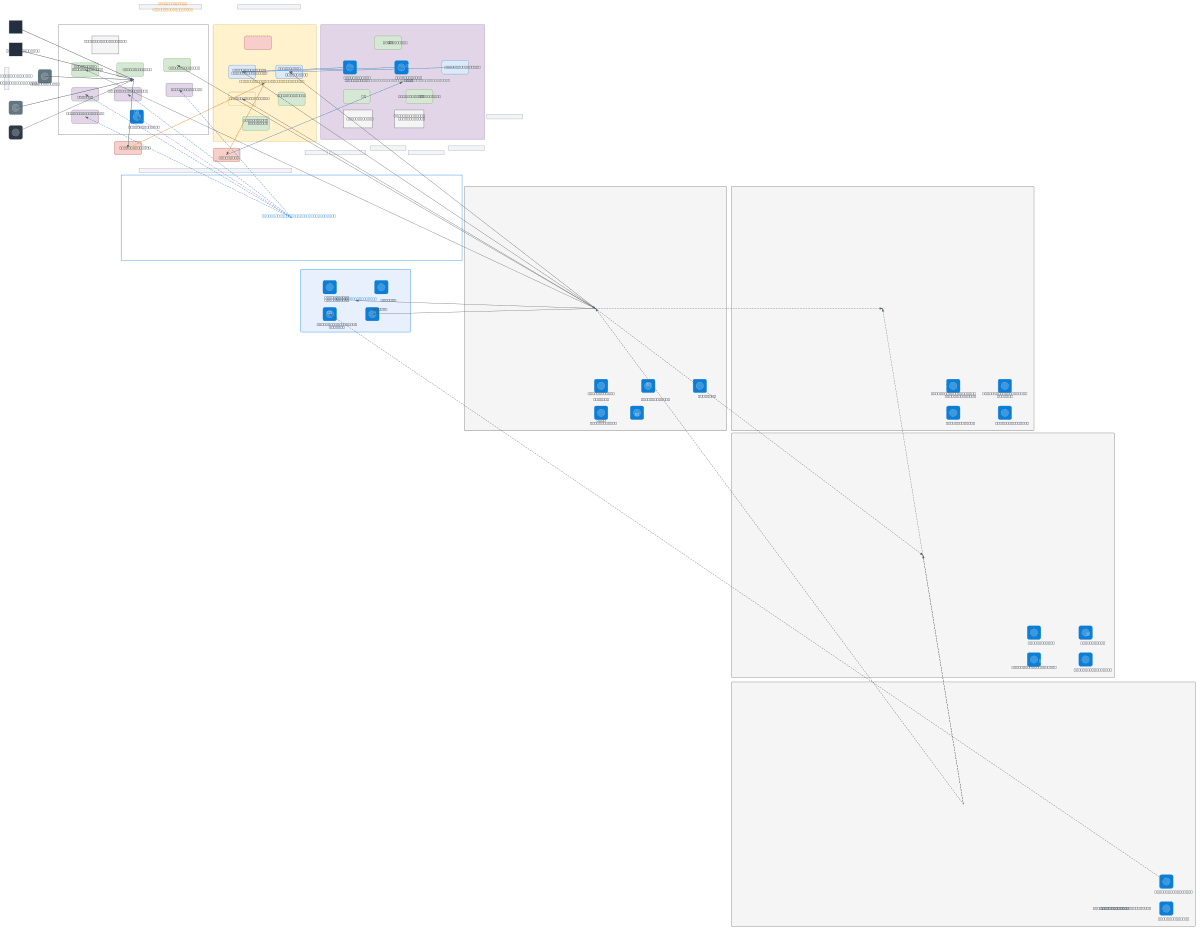
About This Architecture
Workspace ONE UEM platform landscape on Azure integrates iOS, Android, macOS, and Windows devices through a multi-tier network architecture spanning DMZ, internal LAN, and cloud tiers. Device enrollment flows through Apple ABM, Android Enterprise, Windows Autopilot, and Google Zero Touch, with push notifications via APNS, GCM/FCM, and WNS routed through Internet-Facing Firewall and Reverse Proxy/WAF in the DMZ. The core infrastructure includes Active Directory, PKI CA, Exchange On-Premise, and WS1 UEM SaaS components (Console, Device Services, API Server, Self-Service Portal) integrated with Azure AD, Intune, Microsoft 365, and Azure Monitor for identity, compliance, and observability. This architecture demonstrates enterprise-grade segmentation, secure API communication, and hybrid cloud-on-premises management critical for large-scale device governance. Fork and customize this diagram on Diagrams.so to model your organization's network topology, firewall rules, and cloud service integrations.