
About This Architecture
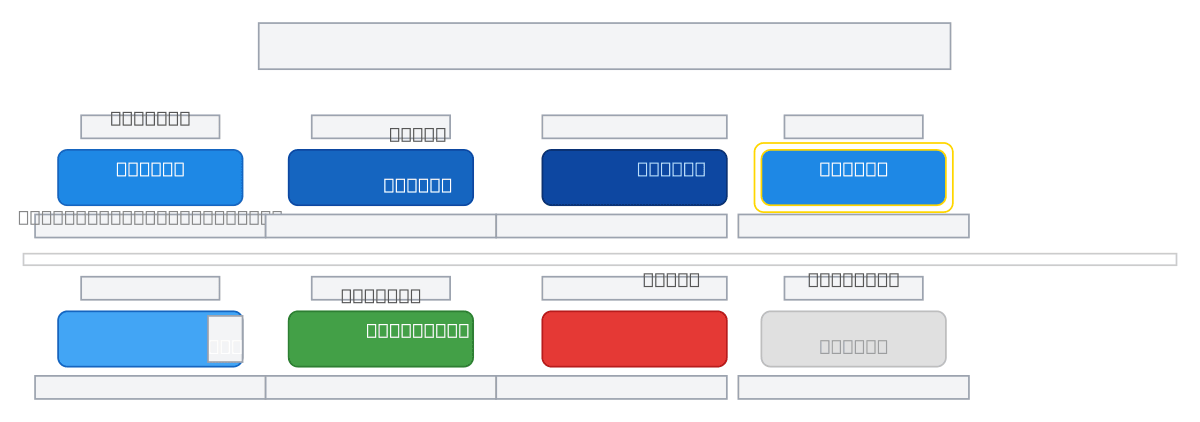
Submit button component showcasing six distinct states—Default, Hover, Active/Pressed, Focused, Loading, and Success—with visual and semantic variations for each interaction phase. Each state uses color progression from primary blue through darker shades, focus rings, and contextual labels to guide user intent and feedback. This pattern demonstrates accessibility best practices including focus indicators, disabled states, and clear error recovery paths. Fork this diagram to customize colors, spacing, and state transitions for your design system or component library. The Loading and Error states include retry mechanisms, making this template ideal for form submissions with network latency or validation feedback.