
About This Architecture
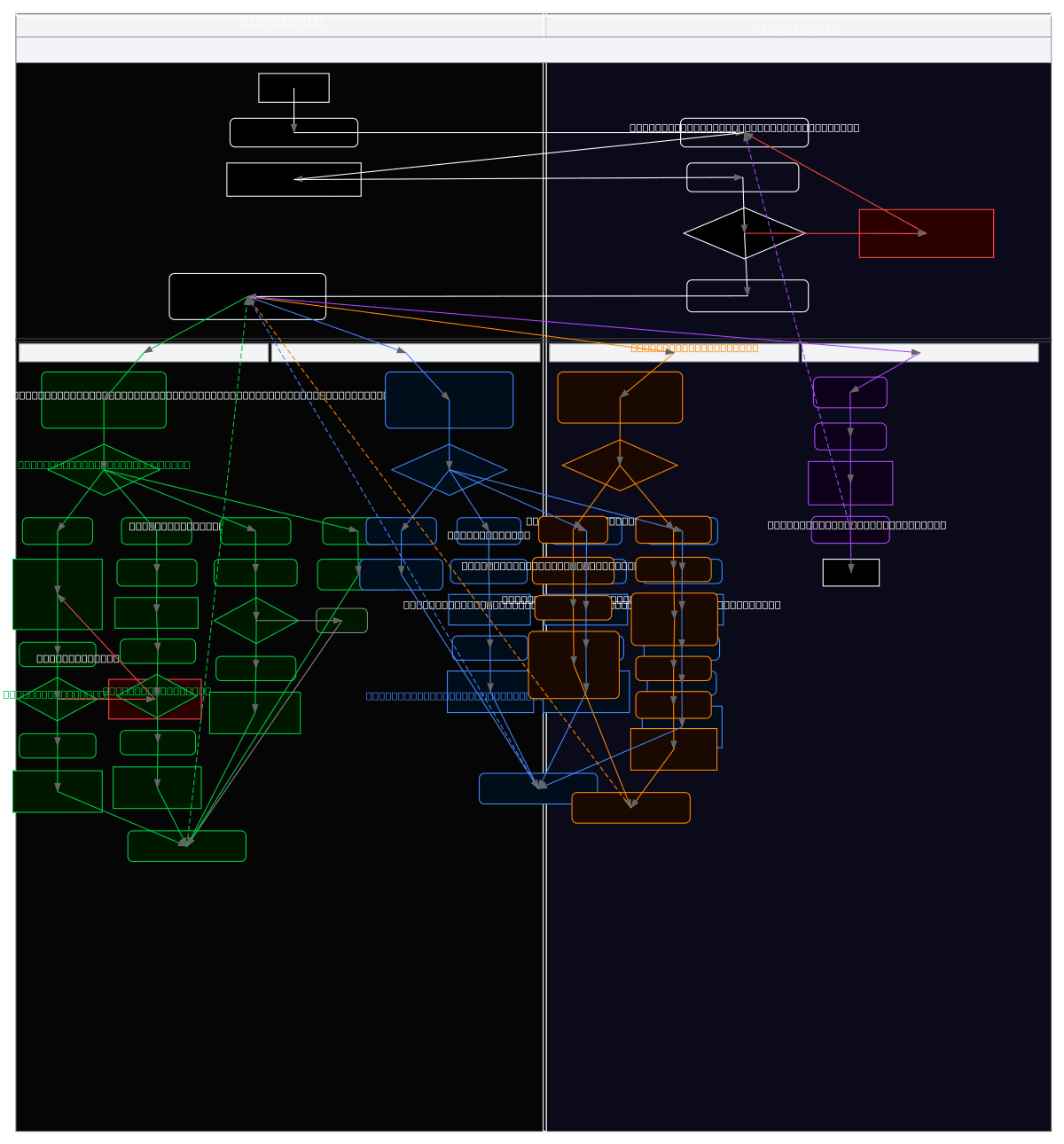
Swimlane flowchart modeling the florist shop administration system with separate lanes for the Administrator actor and the System application. The diagram traces the complete user journey from login through credential validation, menu selection, and four primary workflows: product management (register, edit, delete, consult), inventory management (check stock, add stock, update quantities), order management (consult orders, view details, change status), and logout. Each workflow includes decision points, data validation, error handling, and system feedback messages that ensure data integrity and user confirmation. This architecture demonstrates role-based access control and sequential process flows essential for retail management systems. Fork this diagram on Diagrams.so to customize it for your florist operations, add additional admin roles, or integrate with your POS system.