Use_Case_Diagram
About This Architecture
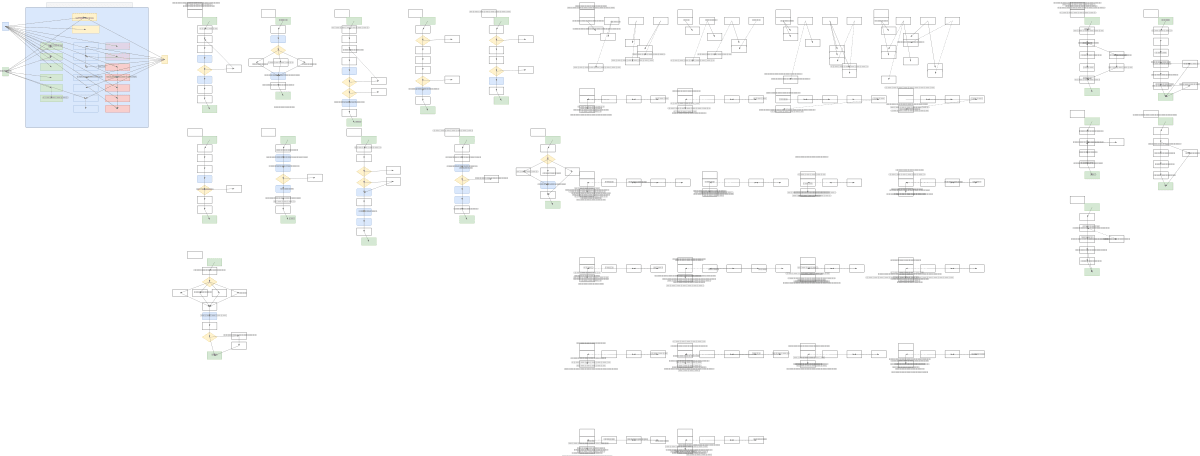
Pharmacy Management System use case diagram models three distinct user roles—Administrator, Pharmacist, and Cashier—each with specific functional responsibilities. The Administrator manages inventory (add, update, delete medicines), suppliers, and generates comprehensive reports; the Pharmacist handles medicine searches, expiry monitoring, and return processing; the Cashier executes point-of-sale transactions including invoicing, discounts, and payment selection. All roles authenticate via Login to System with Role-Based Access Control, ensuring secure separation of duties and audit trails. This diagram demonstrates best-practice role-based access patterns for healthcare retail, helping teams design scalable, compliant pharmacy software that separates clinical, administrative, and transactional concerns. Fork and customize this diagram on Diagrams.so to match your pharmacy's specific workflows, add additional roles, or integrate with external systems like inventory APIs or payment gateways.
People also ask
What are the key use cases and user roles in a pharmacy management system?
A pharmacy management system typically includes three primary roles: Administrators manage inventory and generate reports, Pharmacists monitor medicine expiry and process returns, and Cashiers handle sales transactions and payments. This use case diagram illustrates the complete workflow and access control boundaries for each role.
- Domain:
- Software Architecture
- Audience:
- software architects and business analysts designing pharmacy management systems
Generated by Diagrams.so — AI architecture diagram generator with native Draw.io output. Fork this diagram, remix it, or download as .drawio, PNG, or SVG.
