Self-Hosted Docker with Cloudflared Tunnel
About This Architecture
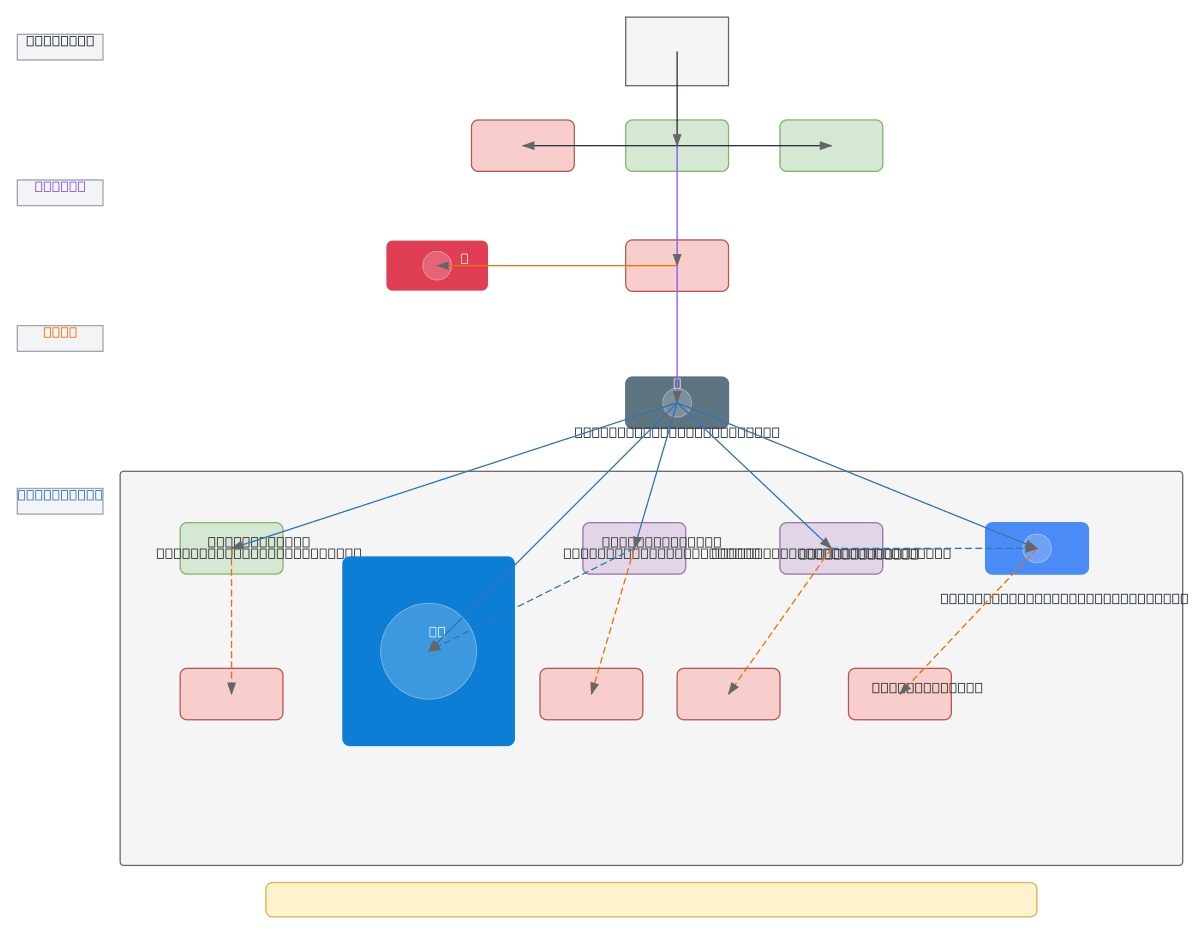
Self-hosted Docker architecture with Cloudflared Tunnel exposes multiple containerized services (dashboard-web, n8n-workflow, vector RAGStation, local-llm-llama70B, Postgres) through Cloudflare's global network without opening ports on your Windows Docker Host. Internet users route through Cloudflare DNS, WAF, and CDN before reaching the Cloudflared Tunnel, which securely connects to your PC Windows host running a dynamicdev-net bridge network. Each service is protected by Cloudflare Access authentication, enforcing zero-trust access control at the edge. Fork this diagram on Diagrams.so to customize subdomains, add additional containers, or modify port mappings for your self-hosted stack. This pattern eliminates the need for port forwarding or public IP exposure while leveraging Cloudflare's security and performance features.
People also ask
How do I securely expose self-hosted Docker containers without opening ports using Cloudflare Tunnel?
This diagram shows a self-hosted Docker setup where Cloudflared Tunnel creates a secure connection between your Windows Docker Host and Cloudflare's edge network. Internet users access services (dashboard-web, n8n-workflow, vector RAGStation, local-llm-llama70B, Postgres) through Cloudflare DNS, WAF, and CDN, with Cloudflare Access enforcing authentication before reaching containers on your dynami
- Domain:
- Networking
- Audience:
- Self-hosted infrastructure engineers and DevOps practitioners securing Docker containers with Cloudflare Tunnel
Generated by Diagrams.so — AI architecture diagram generator with native Draw.io output. Fork this diagram, remix it, or download as .drawio, PNG, or SVG.