AWS SageMaker Drift-Triggered ML Retraining

MULTIArchitectureadvanced
AWS SageMaker Drift-Triggered ML Retraining — MULTI architecture diagram

About This Architecture

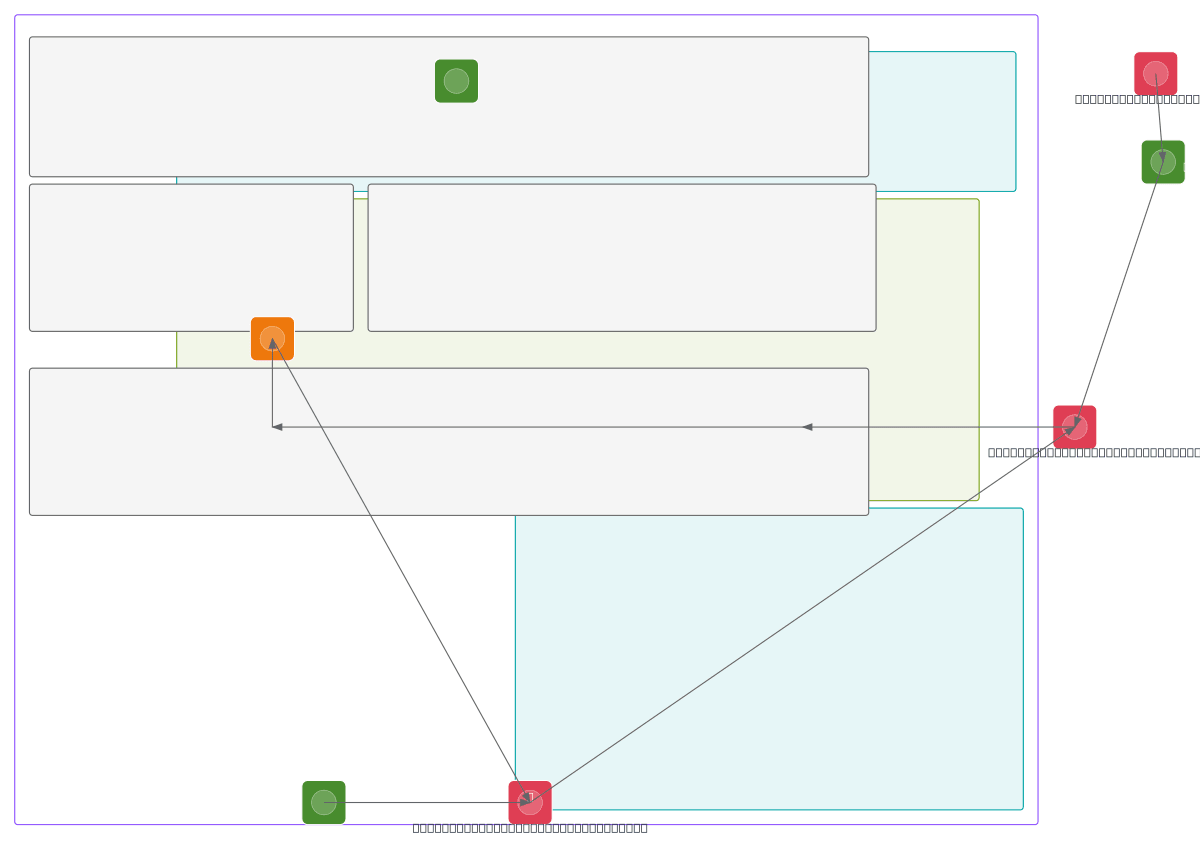
AWS SageMaker drift-triggered ML retraining architecture automates model performance monitoring and retraining when data drift is detected. Baseline statistics from initial training are compared against inference capture data via SageMaker Model Monitor, with CloudWatch Metrics feeding drift signals to CloudWatch Alarms. When drift exceeds thresholds, Lambda triggers Step Functions orchestration to initiate SageMaker Pipeline fine-tuning using the drift dataset, automatically redeploying the retrained XGBoost model to the SageMaker Endpoint. This pattern eliminates manual intervention, reduces model staleness, and maintains prediction accuracy in production. Fork this diagram on Diagrams.so to customize monitoring thresholds, add additional drift detection metrics, or integrate with your MLOps workflow. The architecture includes comprehensive observability via CloudTrail audit logs, X-Ray tracing, and CloudWatch Logs for full governance and troubleshooting.

People also ask

How do I automatically retrain my ML model in AWS SageMaker when data drift is detected?

This diagram shows a complete drift-triggered retraining workflow: SageMaker Model Monitor compares inference data against baseline statistics, CloudWatch Metrics detect drift, CloudWatch Alarms trigger Lambda, which invokes Step Functions to orchestrate SageMaker Pipeline fine-tuning and automatic endpoint redeployment. This ensures your model stays accurate without manual intervention.

AWS SageMakerML PipelineModel MonitoringData Drift DetectionMLOpsAutomated Retraining
Domain:
Ml Pipeline
Audience:
ML engineers and data scientists implementing automated model retraining on AWS SageMaker

Generated by Diagrams.so — AI architecture diagram generator with native Draw.io output. Fork this diagram, remix it, or download as .drawio, PNG, or SVG.

Generate your own architecture diagram →

About This Architecture

AWS SageMaker drift-triggered ML retraining architecture automates model performance monitoring and retraining when data drift is detected. Baseline statistics from initial training are compared against inference capture data via SageMaker Model Monitor, with CloudWatch Metrics feeding drift signals to CloudWatch Alarms. When drift exceeds thresholds, Lambda triggers Step Functions orchestration to initiate SageMaker Pipeline fine-tuning using the drift dataset, automatically redeploying the retrained XGBoost model to the SageMaker Endpoint. This pattern eliminates manual intervention, reduces model staleness, and maintains prediction accuracy in production. Fork this diagram on Diagrams.so to customize monitoring thresholds, add additional drift detection metrics, or integrate with your MLOps workflow. The architecture includes comprehensive observability via CloudTrail audit logs, X-Ray tracing, and CloudWatch Logs for full governance and troubleshooting.

People also ask

How do I automatically retrain my ML model in AWS SageMaker when data drift is detected?

This diagram shows a complete drift-triggered retraining workflow: SageMaker Model Monitor compares inference data against baseline statistics, CloudWatch Metrics detect drift, CloudWatch Alarms trigger Lambda, which invokes Step Functions to orchestrate SageMaker Pipeline fine-tuning and automatic endpoint redeployment. This ensures your model stays accurate without manual intervention.

AWS SageMaker Drift-Triggered ML Retraining

MultiadvancedAWS SageMakerML PipelineModel MonitoringData Drift DetectionMLOpsAutomated Retraining
Domain: Ml PipelineAudience: ML engineers and data scientists implementing automated model retraining on AWS SageMaker
0 views0 favoritesPublic

Created by

April 24, 2026

Updated

April 24, 2026 at 10:28 AM

Type

architecture

Need a custom architecture diagram?

Describe your architecture in plain English and get a production-ready Draw.io diagram in seconds. Works for AWS, Azure, GCP, Kubernetes, and more.

Generate with AI